✕
Enjoying this one? Send it to a friend.
Share this game
♡ Like
✕
🪄 Enjoying Calloway Bay: Make It Big ? Wish your own twist on it.
Start from this game, change what you like, and the agent builds yours.
🧬 Remix this game
✕
Sign up
Resend the email
Wrong address?
▶ Start game
Show room
Calloway Bay: Make It Big
Loading · 1.0 MB · 0 s
Still loading. A slow connection can take a while.
Reload the game
✕
♡ 0
☆ Save
Share
🏆 Challenge a friend
👥 Play with friends
✉️ Message the creator
🎲 Surprise me
🧬 Remix this game
Wish your own game
✕
Play with friends
Your name
Game mode
⚡ Quick play
🌍 Join the world
Open rooms
No open rooms right now. Start one and anyone here can join.
▶ Start game
Leave room
Forum
High scores
Ranked
About
Forum
No threads yet. Start the first conversation about this game.
Open the forum
High scores
🏷️ Claim your arcade name
About this game
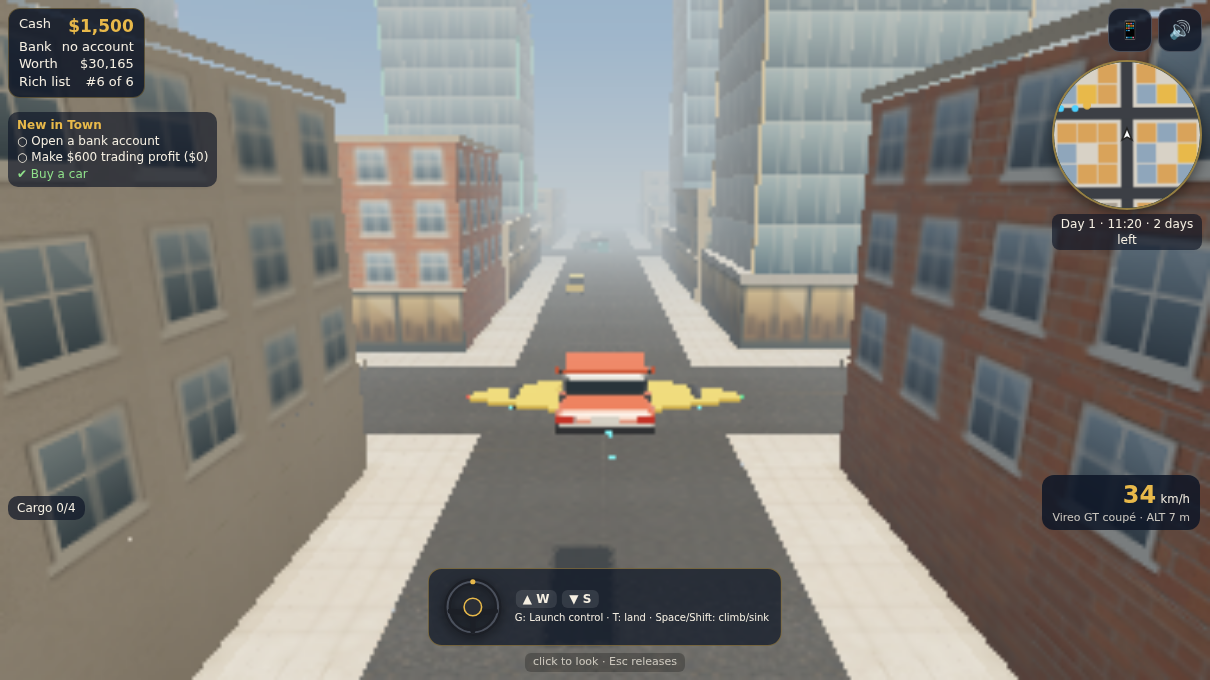
A 3D open-city life sim. Walk or drive anywhere in a sunny harbour city and step through any door: shops, houses, the bank, car and van showrooms, a wholesale market. Buy low, sell high, bank your cash, buy cars, vans, bikes and homes, and open businesses. Three chapters take you from a bicycle and a handful of cash to mogul of the bay before each deadline runs out.
How to play
WASD/arrows drive or walk, Shift run, Space brake, E use/enter, Tab phone, G your ride's trick, T take off/land with wings (Space climbs, Shift dives in the air), C camera, mouse looks. Touch: stick on foot; steering wheel (handlebars on two wheels), GO and REV pedals, trick and FLY buttons in a vehicle.
Message Mango Many
✕
Full screen keeps closing?
A swipe near the edge of the screen can close your browser's full screen. Which device are you on?
iPad
iPhone
Android
Something else
Safari and Chrome on iPad close full screen when a swipe starts near an edge, and iPad has no setting to turn that off. In-page full screen fills the screen the same way, but there is no system full screen for a swipe to close. Leave it with the ✕ in the corner.
A swipe near the edge closes Safari's full screen. In-page full screen fills the screen the same way, but there is no system full screen for a swipe to close. Leave it with the ✕ in the corner.
Android's back gesture (a swipe in from the left or right edge) closes full screen. Use in-page full screen below, or switch the gesture off in Settings, System, Gestures, System navigation: pick 3-button navigation.
Your browser closes its full screen on an edge swipe or Esc. In-page full screen stays until you press the ✕ in the corner.
Tip: Share, then Add to Home Screen, opens Whimcade without browser bars.
Use in-page full screen
Don't ask again
💬 Lobby ✕ , you're in a game room
Open game Leave room
This game has no chat room.
Nobody has said anything in this game's room yet.
Send
Log in to talk in this room.
🌙
Comments
Comments reach this game's creator — they can act on your ideas.
Log in to join the conversation.
No comments yet — be the first.